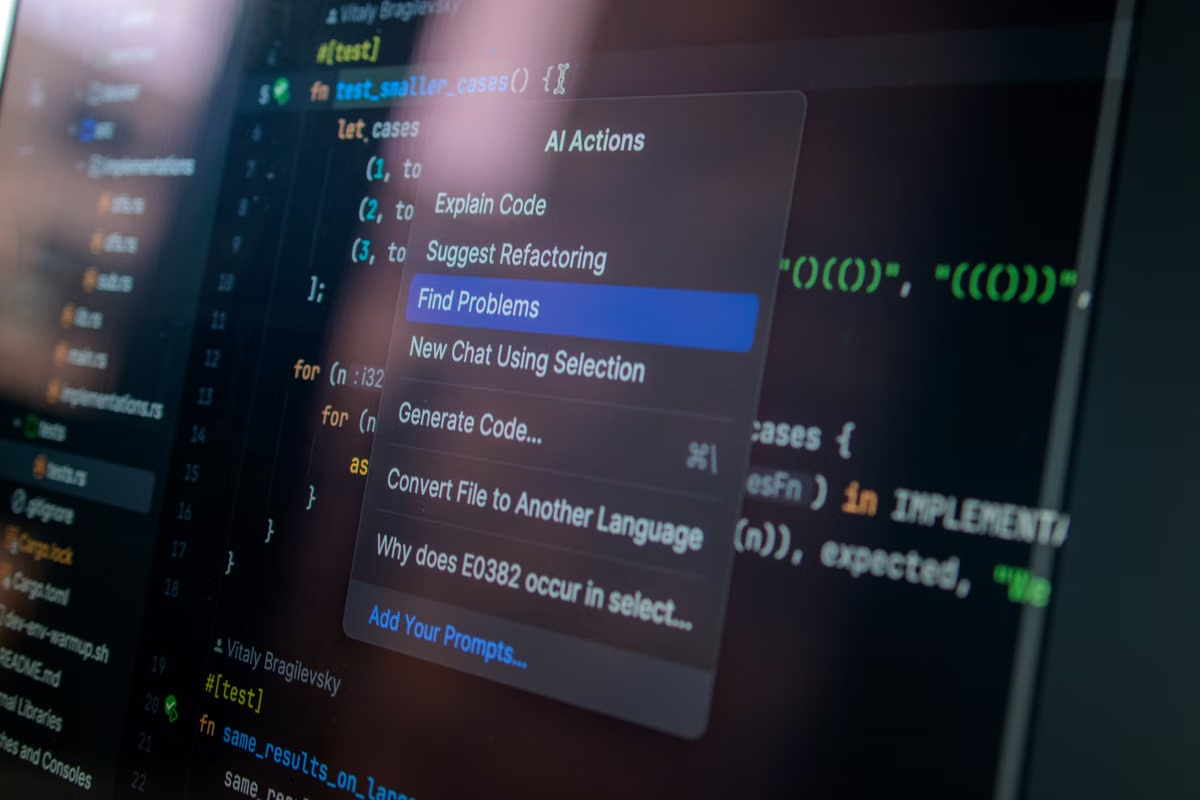
A crowded search for GitHub AI open-source projects is best handled by narrowing candidates around a real task, then checking maintenance, documentation, licensing, and security before testing the key feature. Treat os-taxonomy as a possible discovery aid, not as proof that any listed project is usable or trustworthy.
This is for developers choosing a tool for a defined job, technical leads assessing an AI tool for a team, and readers deciding whether a project classification method is useful. If you already have a candidate repository, go straight to its evidence and test plan; a category map is optional.
Start with the task, not the repository’s popularity
“Worth using” means the project can complete your task under your actual constraints, and you can install, reproduce, and operate it at an acceptable level of risk. That definition is more useful than a popularity threshold. Stars can help you notice a repository, but they do not establish that its features fit your workflow, that its instructions still work, or that your team can use it under its license.
Write a short task statement before searching. Name the input you will provide, the result you need, and the environment in which the tool must run. Include practical limits such as whether your data can leave your network, whether the tool must connect to an existing service, and whether your team can maintain its dependencies. A candidate that solves a related but different problem belongs outside your shortlist, even if its demo looks impressive.
Use the repository’s own materials to check whether the project makes a testable claim. GitHub’s README guidance describes the README as a place to explain what a project does and how to get started. For your evaluation, look for a stated purpose, installation instructions, a working example, known limitations, and links to more complete documentation. A polished description without a route to reproduce the advertised behavior is weak evidence.
| Evaluation point | Evidence to look for | Why it affects your decision |
|---|---|---|
| Task fit | The documented use case, inputs, outputs, and a relevant example | Prevents choosing a project that solves an adjacent problem |
| Installability | Setup instructions, runtime requirements, and dependencies | Shows whether you can run it in the environment you actually have |
| Maintenance | Meaningful changes, issue responses, and signs that reported problems are investigated | Helps estimate the work required to keep it usable |
| License | A license file and terms compatible with your intended use | Avoids treating publicly visible code as automatically reusable |
| Security | Dependency information, security guidance, and a cautious test plan | Helps control exposure while you evaluate the project |
Treat each row as a question to investigate, not a numerical score. Some projects have a quiet issue tracker because they are stable or lightly used; others may have recent commits that do not address your needs. Evidence matters only in relation to the task and the consequences of failure.
Narrow GitHub AI open-source projects with a discovery pass
Begin with the language your team would use to describe the job, not broad terms such as “AI tool.” Search by the action or outcome you need, then combine it with a relevant repository topic or implementation constraint. GitHub’s repository search documentation explains available repository search filters. Use those filters to make a search more focused, but do not mistake a search result for a quality endorsement.
For every candidate that survives the first look, record a short description of its intended user, its main capability, its runtime requirements, and any limitations that could rule it out. Keep the notes in your own words. This exposes differences that project descriptions can hide: one tool may expect a model or service you do not use, another may require a specific runtime, and a third may only provide a component rather than a complete workflow. Verify such requirements in the repository’s documentation; do not infer them from a name, topic, or classification label.
A useful discovery pass has clear milestones:
- Milestone: define the job. State the task, expected input and output, environment, and any data-handling restrictions.
- Milestone: find plausible candidates. Search by task language and repository topics. Save repositories only when their descriptions connect to your job.
- Milestone: remove obvious mismatches. Check the README and linked documentation for intended use, prerequisites, limitations, and a reproducible example.
- Milestone: verify repository evidence. Read recent changes and relevant issues or discussions. Look for evidence that maintainers have noticed and addressed problems that matter to your workflow.
- Milestone: prepare a contained test. Select one important function and test it with non-sensitive inputs in an environment you control.
The sequence saves time because it delays installation until you can explain why the project is a plausible match. It also keeps discovery separate from verification: a search page or taxonomy may help you find a repository, while the repository itself must support your decision.
Check maintenance, documentation, licensing, and security
Maintenance is not the same as activity. Read recent commits for changes that affect the project’s stated purpose, and inspect issues to see whether users report problems relevant to your use. A stream of small changes is not proof of reliability. Likewise, a quiet repository is not automatically abandoned. Ask whether the project has the updates and responses your use case needs, and whether you can live with the consequences if it does not.
Documentation should let you move from a clean environment to a meaningful test. Check whether setup instructions identify prerequisites, configuration, expected output, and known failure conditions. Try to follow them without filling gaps from guesswork. If a key step depends on an undocumented environment variable, an unavailable service, or an unclear version assumption, record that as an adoption cost rather than silently patching around it.
Licensing deserves a direct check. GitHub explains that a repository license sets conditions for use, modification, and distribution. The fact that code is publicly visible does not, by itself, tell you whether your planned personal, internal, or commercial use is permitted. Read the license file and ask your organization’s legal or compliance contact when the terms or intended use are unclear. Do not treat an absent or ambiguous license as an informal approval.
Dependencies create another operational cost. GitHub’s dependency graph documentation explains how dependency information can help reveal a project’s software dependencies. Use the available dependency evidence to understand what would be installed and whether your team can review and maintain it. Dependency visibility does not prove that packages are safe or up to date; it gives you material to investigate.
Security information needs the same careful reading. GitHub’s repository security quickstart describes security features and setup considerations, while its code scanning alerts documentation explains alerts generated by code scanning. The presence of an alert is a reason to investigate its relevance, not automatic proof that the project is unsafe. The absence of an alert is not proof that no vulnerability exists. For your own test, avoid secrets and sensitive data, restrict unnecessary network access, and use an isolated environment where you can inspect what the project attempts to run.
A useful project page is evidence about what its authors claim and document. It is not independent confirmation that the software behaves as described in your environment.
Separate author statements from things you personally verify. “The README says the tool supports this workflow” is a documented claim. “The workflow completed in your test environment with this input” is an observed result. Neither proves the result will hold for another version, operating system, configuration, or workload.
Assess what os-taxonomy actually classifies
The repository named os-taxonomy may be worth opening when you need another route into project discovery. But its name alone does not establish what it classifies, which categories it uses, how broad its coverage is, or how entries are maintained. Those are precisely the details to verify in the official os-taxonomy repository and its README.
Read the repository description and README for the stated scope, the meaning of any categories, the selection or classification method, and the process for adding or updating entries. If those materials do not explain a point clearly, mark it as unknown instead of filling the gap with an assumption. In particular, do not assume that a taxonomy covers every relevant AI project or that its entries have been tested against your environment.
A classification method can still be useful without acting as a quality ranking. If it groups projects in a way that helps you recognize a tool category or locate unfamiliar candidates, it may reduce the effort of building a search list. That is a discovery benefit. It does not tell you whether an individual repository is installable, actively maintained, properly licensed for your use, secure enough for your data, or a better fit than another candidate.
Use the following distinction when deciding whether to rely on it:
- Discovery question: Does the classification help you notice candidates you might otherwise miss?
- Evidence question: Can you trace each category or entry to an explanation in the taxonomy’s own materials?
- Selection question: Does the candidate’s official repository independently support the task, operating requirements, and risk you need to accept?
Only the first question is about finding projects. The latter two determine whether the classification is understandable and whether a candidate deserves further evaluation.
Turn a category result into a reproducible test
Once a taxonomy or search leads you to a plausible project, move from discovery to verification. Keep the test small enough to diagnose. Choose the feature that matters most to your task; do not begin by adopting the entire toolchain or feeding it production data.
Use this sequence:
- Confirm the source. Open the project’s own repository and follow its documentation links. If a taxonomy description differs from the repository, use the repository’s current materials as the primary evidence and record the discrepancy.
- Check the license and requirements. Read the license file, identify runtime and dependency requirements, and note any external services or credentials the project expects.
- Prepare a controlled environment. Isolate the test from production systems. Use non-sensitive input and avoid granting permissions that the test does not need.
- Run the documented example. Follow the official setup instructions as written. Record each workaround, missing dependency, configuration problem, or undocumented step.
- Test the task-critical behavior. Use an input that represents your real workflow without exposing confidential information. Check whether the output meets your stated acceptance conditions.
- Record the result and its limits. Note the repository revision or version you tested, the environment, the observed behavior, remaining risks, and what you did not test.
Keep the conclusion narrow. A successful run shows that a particular feature worked under the conditions you recorded; it does not certify the whole repository. A failed run may point to a documentation gap, an environment mismatch, or a real defect. Before rejecting the project, determine which one is most likely and whether the fix is within your team’s capacity.
Environment assumptions can be material. Some AI open-source projects may require a particular operating system, build setup, or remote development workflow; check that need in the project’s own documentation rather than assuming compatibility. If your evaluation specifically depends on a Mac development environment, review Kvmkit’s Mac Mini rental information as an environment option, not as evidence that a project supports macOS or performs well there. If you want to compare the available Mac-related information before choosing a test setup, browse Kvmkit’s English site. Any environment choice still requires project-specific compatibility checks.
Decide when the taxonomy is useful
Use os-taxonomy as an auxiliary entry point when your task is broad, when you are mapping a category for a team, or when you want to widen a search beyond repositories you already know. Before relying on it, confirm that its documented scope and update process suit that discovery goal. If your requirements are already specific or you already have a candidate repository, go directly to the project’s README, documentation, license, dependency evidence, and test.
Use this final decision checklist before adding a project to a shortlist:
- [ ] Task match: Can you connect a documented capability to a specific job your team needs done?
- [ ] Evidence: Have you checked the project’s own documentation and separated author claims from results you observed?
- [ ] Reproducibility: Can you install and test the relevant feature in an environment you control?
- [ ] Acceptable risk: Have you reviewed the license, dependencies, security information, and data-handling implications?
- [ ] Operational fit: Can your team manage the setup, limitations, and maintenance work that remain?
If you cannot check a box, decide whether the missing evidence is a manageable research task or a reason to stop. Do not let a category label, a popular repository, or one successful demo carry more weight than the evidence supports. Reassess the result when your task, project revision, or operating environment changes.
For a team evaluating a specific tool, the lowest-risk route is to start with one real task, shortlist candidates against the evidence above, and test only the feature that could change your decision. If that test requires an environment you do not already have, compare the effort of preparing one with alternatives such as using an existing local machine or buying hardware for sustained work. Temporary access can be convenient for a bounded validation, but it is not automatically the right choice for continuous workloads or tasks requiring physical interfaces. Choose the environment for the test you need to run; keep the project’s quality judgment grounded in the repository and your reproducible results.
FAQ
How do I narrow down GitHub AI projects for a specific task?
Write down the input, expected output, operating environment, and constraints before searching. Use task-focused phrases and repository topics to find candidates, then compare each project’s README, documentation, examples, maintenance evidence, license, and dependencies. Keep a project only if you can explain how it addresses your task and reproduce a small test in an environment you control.
Which maintenance and security signals should I check before using an AI repository?
Look for recent, meaningful changes, issues with clear responses, documented installation steps, dependency visibility, a stated license, and available security information. Treat these as evidence to investigate, not a pass/fail score: a quiet repository can be stable, while frequent commits do not prove quality. Review the code and run a limited test before exposing credentials or sensitive data.
Can os-taxonomy help me discover GitHub AI open-source projects?
It may help as a discovery and classification lead, but first read the repository’s own README to confirm what it classifies, how it assigns categories, what it covers, and how updates are handled. Do not infer those details from the project name. A category can point you toward candidates; it cannot establish that a particular project is maintained, safe, or suitable.
What should I verify after finding a project through os-taxonomy?
Open the project’s own repository and documentation, confirm the license and runtime requirements, then test the feature that matters to your task in an isolated environment. Record the version or revision you tested, the setup work, dependency failures, and any security concerns. If a classification entry conflicts with the project’s current documentation, use the project’s authoritative materials and investigate the mismatch.