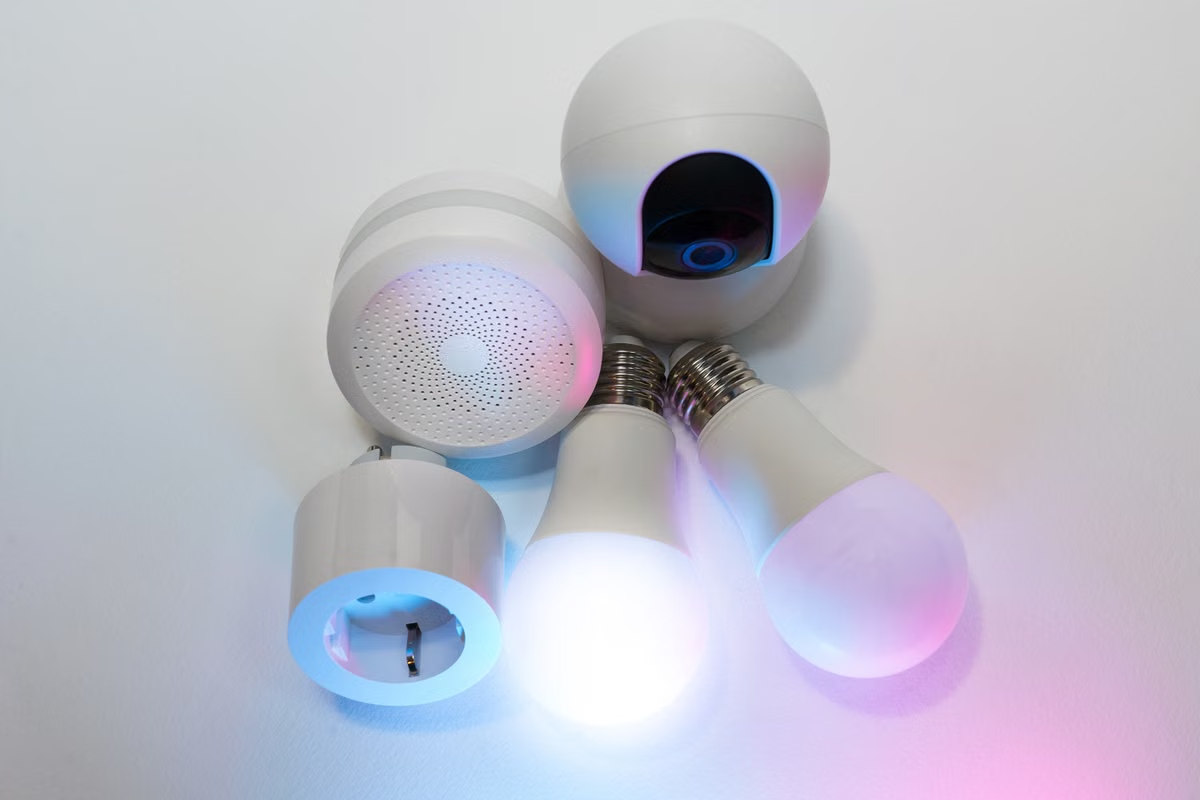
Matter 1.6 is published, but its new capabilities are not automatically available across devices or smart home platforms. Start by inventorying your products, target ecosystems, and promised features; then schedule integration work only where support is confirmed or needs testing.
This guide is for firmware and app engineers integrating Matter devices, QA teams planning cross-platform regression, and technical leads deciding whether a release changes a product commitment.
Last updated October 1, 2026; checked against the Matter 1.6 announcement, platform documentation, and available SDK release records. Confirm current support with your device manufacturer and target platform before changing a release plan.
Start with the release boundary, not a full upgrade
The Connectivity Standards Alliance announced Matter 1.6 on June 17, 2026. The announcement describes improvements for setup, multi-ecosystem experiences, and context-driven control. Those are specification-level changes; they do not establish that a particular device, firmware build, or platform has implemented them. See the official Matter 1.6 announcement for the release scope.
For your team, separate three statuses:
- Defined: The Matter specification describes a capability or behavior.
- Implemented: A device maker has included it in a product or firmware version.
- Exposed and validated: A target ecosystem supports that implementation, and your team has tested the end-to-end behavior.
Treat these as independent gates. A feature can be defined without being implemented, or implemented by a device without being available through a particular platform’s app or controls. The Matter SDK release history can help you track software changes, but an SDK release alone does not prove that a commercial product or ecosystem has adopted them.
Keep commitments tied to evidence. Don’t promise a customer-facing capability based only on a Matter 1.6 feature description. Record the product, firmware, platform, and test evidence that support the claim.
What should a smart home team check after Matter 1.6 is published? First, identify which products and promised behaviors might touch the release. Then check firmware notes and platform documentation for explicit support. Only after that should you expand test coverage or revise a delivery commitment.
Build a project inventory before changing test scope
Create a working list from information your team already maintains. Include each device type, product or hardware revision, firmware branch, app or service version, target ecosystem, and the Matter behavior you have promised to support. Add the owner for each item so that a missing support statement has somewhere to go.
Use existing specifications, firmware release notes, and platform support pages to flag projects that might be affected. For example, a product that depends on a particular commissioning flow deserves review if setup behavior is part of your launch promise. A device whose roadmap does not use a newly described capability may need no immediate change.
Do not treat a category appearing in a platform’s supported-device documentation as proof that every product in that category supports every Matter 1.6 behavior. The Google Home supported-device list is useful for checking documented device coverage, but you still need to validate the specific device and function. Similarly, review the Apple Home Matter developer documentation and the Alexa Matter integration documentation for the ecosystem you actually target.
Will Matter 1.6 affect devices already in the field? Not solely because the specification was published. Existing devices may continue to work without a firmware change if their current functions remain supported. But you should check whether a promised upgrade, commissioning flow, or cross-ecosystem behavior depends on a capability that the manufacturer has not committed to deliver.
Use a simple disposition for every project: no observed impact, support statement needed, firmware change expected, platform behavior uncertain, or targeted test required. This prevents the release from turning into a blanket requalification exercise.
Verify platform and manufacturer support separately
Before scheduling joint debugging, compare three sources: the Matter announcement, the target platform’s own documentation, and the device maker’s firmware or release notes. For each capability, capture the wording and date of the statement, not just a checked box in a tracker.
The key question is whether the platform explicitly describes the behavior you need. A general statement that a platform supports Matter is not confirmation of every Matter 1.6 capability. The same distinction applies to joint Fabric experiences and NFC-based commissioning: the specification’s description does not establish broad support in Apple Home, Google Home, or Alexa. Treat those as items to verify for each product and ecosystem, not as universal platform features.
For implementation work, compare the SDK changes with your own firmware and application branches. The Matter SDK release history can help identify relevant code changes. It cannot tell you whether a manufacturer has shipped the change or whether a platform’s user interface exposes it.
Can teams use Matter 1.6’s new capabilities in Apple Home and Google Home now? Use them only when the specific platform documentation or a current vendor statement confirms the capability you need, and your own test verifies it. The general Matter documentation describes the standard; it is not a platform-by-platform support matrix. Keep “not confirmed” as a valid status rather than treating silence as support.
If a source is ambiguous, ask the device maker or platform contact a narrow question: which firmware or service release implements the behavior, which device models are covered, and what limitation should your test expect? Save the answer with the project record. That gives product and QA teams a traceable basis for decisions.
Sequence commissioning and regression work
Before testing a newly introduced behavior, make sure your existing flows still work. This catches regressions that can be hidden by a feature-focused test. Use the actual product build and the ecosystems named in your release plan.
Start with baseline coverage:
- Commission a device using the supported setup path.
- Confirm it appears in the target ecosystem and reports the expected device identity.
- Exercise the core controls your product promises.
- Check removal, reset, and recommissioning behavior.
- Repeat on the firmware and app versions that will ship, not only on a development build.
Then add focused tests for capabilities that have confirmed product and platform support. Make each case describe the expected result, the device and firmware, the control platform, the network conditions, and the observed outcome. Recording only “Matter 1.6 passed” is not enough to reproduce a failure or establish what the test actually covered.
For cross-platform regression, keep the test matrix tied to product commitments. If the same device is advertised for multiple ecosystems, test each target separately. A passing result on one platform does not establish parity on another. Google’s Matter development checklist and pre-submission testing guidance can help teams prepare platform-specific checks; follow the corresponding guidance for each ecosystem you intend to certify or support.
When setup fails, don’t immediately label it a protocol issue. Separate possible causes: specification interpretation, device firmware, platform behavior, and local network conditions. Check logs and repeat under a known test network before escalating. If the device cannot join an ecosystem at all, browse Kvmkit’s smart home resources as a starting point for isolating setup and network variables.
Turn findings into a support decision
After testing, assign every open issue to an owner and a cause category. A standards question goes to the specification or SDK owner; a device implementation gap goes to the manufacturer or firmware team; an ecosystem limitation goes to the platform contact; and a local connectivity problem stays with the test environment owner.
Set a change-control rule: update a product promise or release date only when an official platform document, a manufacturer statement, or a reproducible test result changes the support status. A feature announcement is a reason to investigate, not a reason by itself to replan a launch.
How should you schedule cross-platform regression after a Matter update? Preserve baseline commissioning and core-control tests first. Add new capability cases only for the device-platform combinations you have confirmed. If support remains unclear, keep that combination in the investigation queue rather than marking it passed or expanding every test suite.
For certification planning, check the platform’s own submission requirements and retain the test evidence you will need later. Google’s pre-submission testing guidance is one platform-specific reference; it does not replace verification for other ecosystems.
Use decision branches and comparison tables to set the next milestone
Choose the next action according to the evidence available:
- If the device maker and target platform both confirm the capability, schedule a focused integration test for that combination.
- If the specification defines it but either implementation statement is missing, ask the relevant owner for a support commitment; do not add it to the release promise.
- If your product does not depend on the new capability, run the established regression scope and record why no feature-specific work is needed.
- If a confirmed change affects commissioning or core control, expand regression to the affected setup and recovery paths before approving the release.
- If evidence conflicts across documentation, firmware notes, or observed behavior, hold the commitment and resolve the discrepancy with the platform or manufacturer.
| Evidence status | What it tells you | Recommended action |
|---|---|---|
| Matter documentation describes the behavior | The specification defines a capability or expected behavior | Map it to product requirements; do not infer shipment |
| Manufacturer identifies compatible model and firmware | A device implementation is claimed | Verify the exact build and device revision |
| Platform documentation names the relevant support | The ecosystem claims support in a defined scope | Check any stated limitations and plan an end-to-end test |
| Your test reproduces the expected behavior | The tested combination works under recorded conditions | Attach evidence to the release decision |
| Documentation is silent or unclear | Support has not been established | Keep the status open and ask the responsible owner |
Use a compact project record rather than a generic “Matter 1.6 ready” label. Keep the capability, product, firmware, ecosystem, network conditions, result, evidence link, and owner together. That record helps you distinguish a genuine implementation gap from a documentation gap when the next release arrives.
| Test stage | What to verify | Evidence to retain |
|---|---|---|
| Baseline | Existing commissioning, control, reset, and recovery flows | Build identifiers, platform, network setup, and observed result |
| Feature-specific | Only newly relevant behaviors with confirmed support | Expected behavior, limitation, reproduction steps, and logs |
| Cross-ecosystem | Each ecosystem included in the product commitment | Separate outcome and notes for every tested platform |
| Release review | Open issues and changed support statements | Owner, decision, and reason for changing or retaining scope |
Do not use a test result from one device revision as evidence for a different revision unless the manufacturer confirms they share the relevant implementation. If the firmware changes after validation, rerun the cases that depend on that firmware behavior. Keep this proportional: the purpose is to protect supported behavior, not to retest unrelated product functions for every standards update.
| Current situation | Prefer this approach | Avoid this assumption |
|---|---|---|
| No release commitment depends on a new capability | Maintain current regression and monitor vendor updates | A new specification requires a full product rebuild |
| A product promise depends on a newly defined behavior | Confirm support, then test the exact combination | Documentation for the standard proves platform availability |
| Platform support is stated but device coverage is uncertain | Verify model and firmware with the manufacturer | Category-level support guarantees every device |
| Results differ by ecosystem | Track and communicate support separately | Passing one ecosystem means all ecosystems behave alike |
The Matter 1.6 development impact on your team is therefore a planning and evidence question before it becomes an upgrade project. Keep existing commitments stable where they remain validated; change test scope only when a device, platform, or reproducible result gives you a concrete reason.
If your current development setup relies on a shared Mac, queued builds, or inconsistent local environments, those are real operational costs for macOS-based app builds and CI. A dedicated Mac environment can give a temporary project a more controlled host, but it will not replace physical Matter devices, NFC hardware, or a representative home network for commissioning tests. If those are the bottlenecks, prioritize the lab setup instead. If your remaining need is short-term macOS build capacity, compare it with a Kvmkit Mac mini rental option; use it only if a temporary Mac environment fits your workflow.
Run CI/CD on M4 Mac mini — the hassle-free way
Xcode, Fastlane, CocoaPods, and SPM are first-class on macOS. Mac mini M4 unified memory keeps signing and archiving smooth; ~4W standby power suits 24/7 build nodes.